Pfizer Demy
An AI companion built to support migraine sufferers, every step of the way.
00 — Overview
Demy is an AI-powered companion app designed to support people living with migraines by helping them better understand, track, and manage their condition over time.
The app lets users log migraine episodes, track symptoms and triggers, and see patterns across frequency, intensity, and duration. By combining structured tracking with AI-assisted insights, Demy helps users build a clearer picture of their migraine history and share relevant data with their healthcare providers, supporting more informed clinical conversations.
- Role
- Product Design · UX Research · Visual Design
- Platform
- iOS · Android
- Client
- Pfizer
01 — The problem
Migraines are hard to live with, and hard to explain.
Research and early discovery showed that people with migraines often struggle with more than pain. They struggle with inconsistency, memory gaps, and communication.
There was no easy, reliable way to track headache episodes, spot meaningful patterns, and turn that information into useful conversations with a healthcare provider. By the time someone sits down with their doctor, the details of the last attack are already fading.
02 — Research & discovery
1. Market research and competition
Market research focused on how people with migraines currently track, manage, and learn about their condition, and where existing solutions fall short. I looked closely at three kinds of product:
- My Migraine Buddy: tracking-first. Detailed logs, but a high manual effort that's hard to keep up over time.
- Neura Health: clinically oriented. Expert guidance, but it can feel impersonal and disconnected from day-to-day life.
- Ubrelvy (AbbVie): medication-focused. Strong education, but little continuity across tracking, insights, and care.
2. Pricing research
Pricing research showed people were willing to pay for clarity and personalisation when the value was obvious. So the subscription unlocks deeper insights and personalisation, while core tracking and education stay accessible, supporting both adoption and long-term engagement.
3. SWOT
I always use a SWOT to weigh the internal and external factors that could affect a product's viability:
- Strengths: free to start; a simple, repeatable interface; built-in support.
- Weaknesses: limited automation; AI integration still to be proven; no voice recognition.
- Opportunities: sharing stats with doctors; customisation; deeper AI integration.
- Threats: established competitors; security and data sensitivity.
4. Who it's for
Demy is designed for people living with recurring migraines who want a simple, reliable way to track symptoms, spot meaningful patterns over time, and communicate more clearly with their healthcare providers, without adding stress at vulnerable moments.
- Tracking
- Education
- Insights
- Personalisation
- Free to start
- Repeatable
- Support
- Automation
- AI to prove
- No voice
- Stats for doctors
- Customisation
- Deeper AI
- Competitors
- Security

03 — Concept
Storyboarding the patient journey.
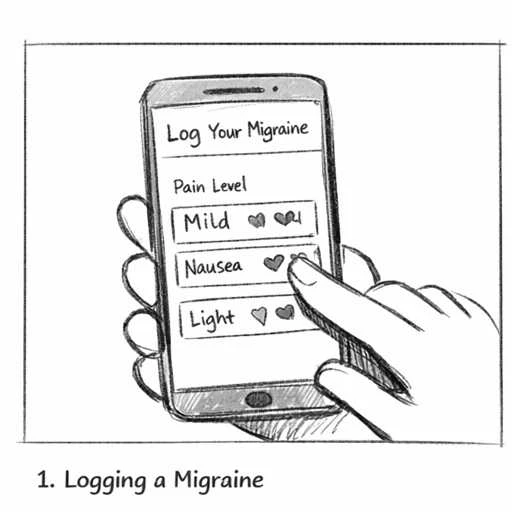
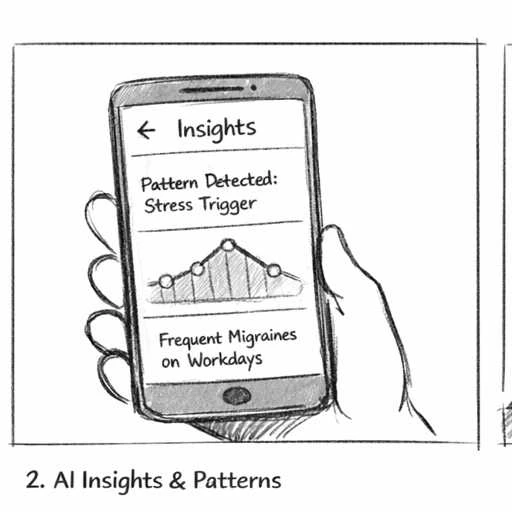
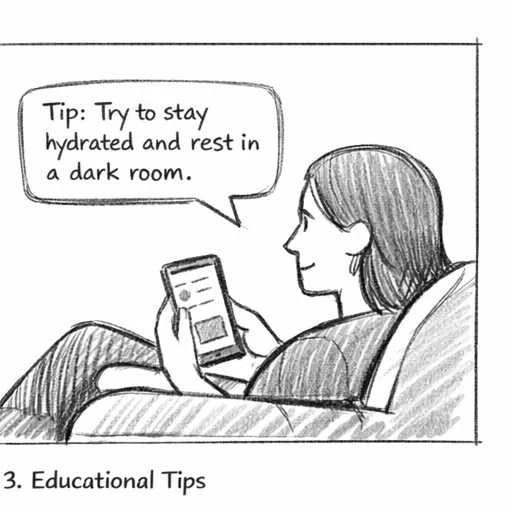
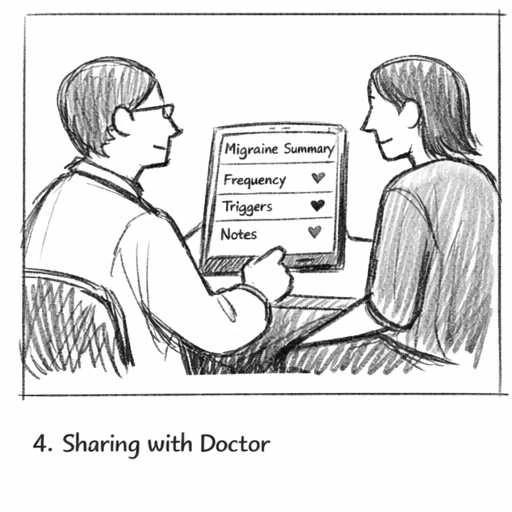
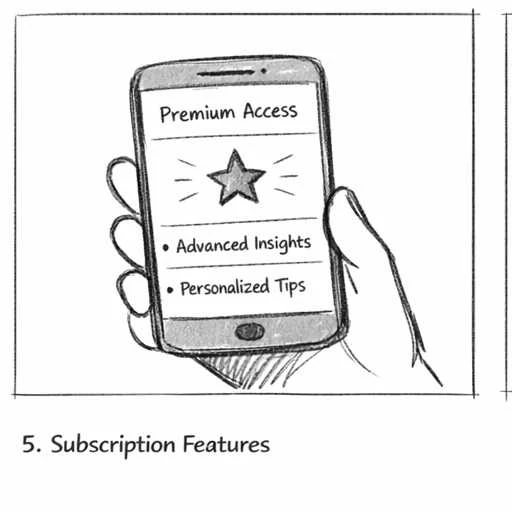
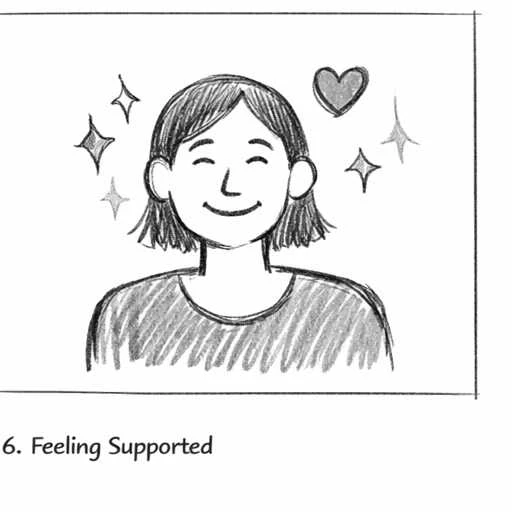
Sketching a storyboard helped define the concept by mapping the end-to-end patient journey: before, during, and after a migraine. It made it easier to find the key moments of need, reduce cognitive load, and design AI-assisted interactions that feel supportive rather than intrusive.
The six moments:
- 01Logging a migraine
- 02AI insights and actions
- 03Educational tips
- 04Sharing with the doctor
- 05Subscription features
- 06Feeling supported
04 — Design decisions
- Low cognitive load. Logging during or after an attack has to take seconds: simple choices such as "Right now" or "Earlier", large targets, and nothing to type unless it helps.
- Patterns over raw data. Analytics turn entries into clear views: migraine length, mild versus severe episodes, headaches logged, and insights such as how often barometric pressure plays a part.
- Summaries for the doctor. Everything rolls up into something a user can hand to their provider.
- Support beyond tracking. Behaviour and mindset courses based on cognitive behavioural therapy (CBT) teach skills for everyday life: the relationship between thoughts, feelings and behaviour, and how to change them.
05 — Style guide and design foundations
Calm, warm, and human.
- Colour: a warm primary palette of peach and orange (#FFA451, #F2AF89, #F6CCCE) used for the signature "particle" visuals and supporting UI; a soft secondary palette (lilac #E2CCFF, periwinkle #7E87B7, mint #C6E7B6) inside the interface; and slate neutrals (#363A46 to #4F5567) for calm, low-glare backgrounds.
- Typography: ABC Diatype, Regular and Medium. Clean, friendly and highly legible at small sizes.
- Illustration: friendly 3D characters guide users through logging, keeping a sensitive moment human and reassuring.
#FFA451#F2AF89#F6CCCE#E2CCFF#7E87B7#C6E7B6#363A46#4F5567
06 — The product
Home, Analytics, Resources and Profile bring tracking, insights, courses and settings into four clear destinations. Logging walks the user through one question at a time. Analytics shows the month at a glance, and Insights surfaces the triggers that matter.
